
This section can be found within your survey setup dashboard. Start by selecting the task and clicking Start task.
Announcing your survey
Under the Announcing your survey section, you can copy or download a template message to be sent to your business by your CEO. You can also download the following posters:
- Our internal engagement survey is coming soon
- Our internal engagement survey is now live!
- Have you completed your internal engagement survey yet?
- Our internal engagement survey is closing soon!
These posters can be printed and put up on notice boards, doors etc. Click Next once you have what you need from this section.
Survey Invitations
You can view and download the contents of the survey invitations in this section. Click the Send test invitation button to receive a copy of the email, or Download Word doc button for a copy. Click Next to move to the next section.
Survey reminders
You can view and download the contents of the survey reminders in this section. Similar to the previous section, click the Send test reminder button to receive a copy of the email, or Download Word doc button for a copy. Click Next to move to the next section.
Email templates
Here you can change the look and feel of your survey. You can choose from:
bHeard Light (this is our default selection)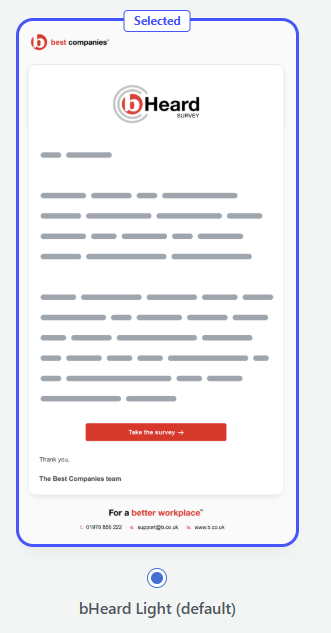
bHeard Blue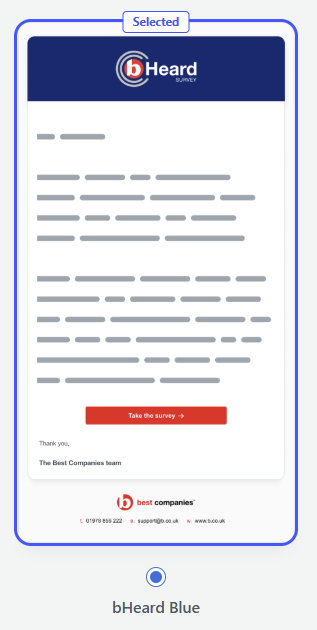
or Best Companies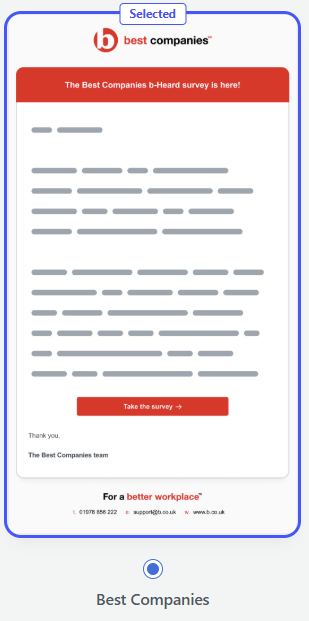
Once you have made your selection, click Save & complete task.
Changes to email content
Users cannot change email content in this section. Please get in touch if you wish to make changes, and our support team will update these following review.
For additional support please email support@b.co.uk, call us on 01978 856222, or click the 'Get in Touch' button at the top of this page.